Links
Description
This project is a renderer that raymarches 3D signed distance field (SDF) scenes and outputs SVG files with hatching lines. The hatching strokes follow surface tangent directions, with density controlled by lighting, producing an engraving or etching aesthetic inspired by Piter Pasma’s “rayhatching” technique.
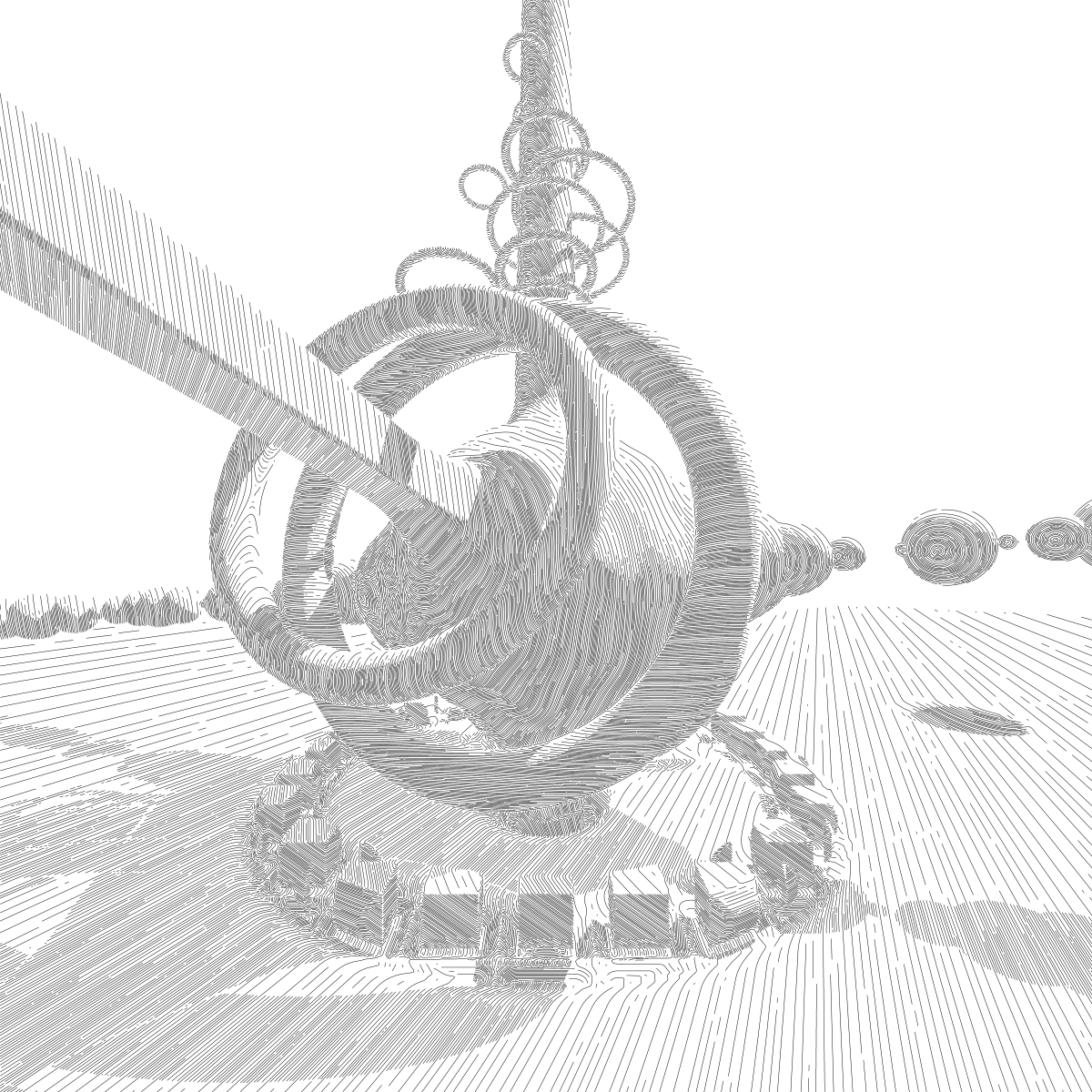
A sculpture scene rendered with hatched tangent-following strokes.
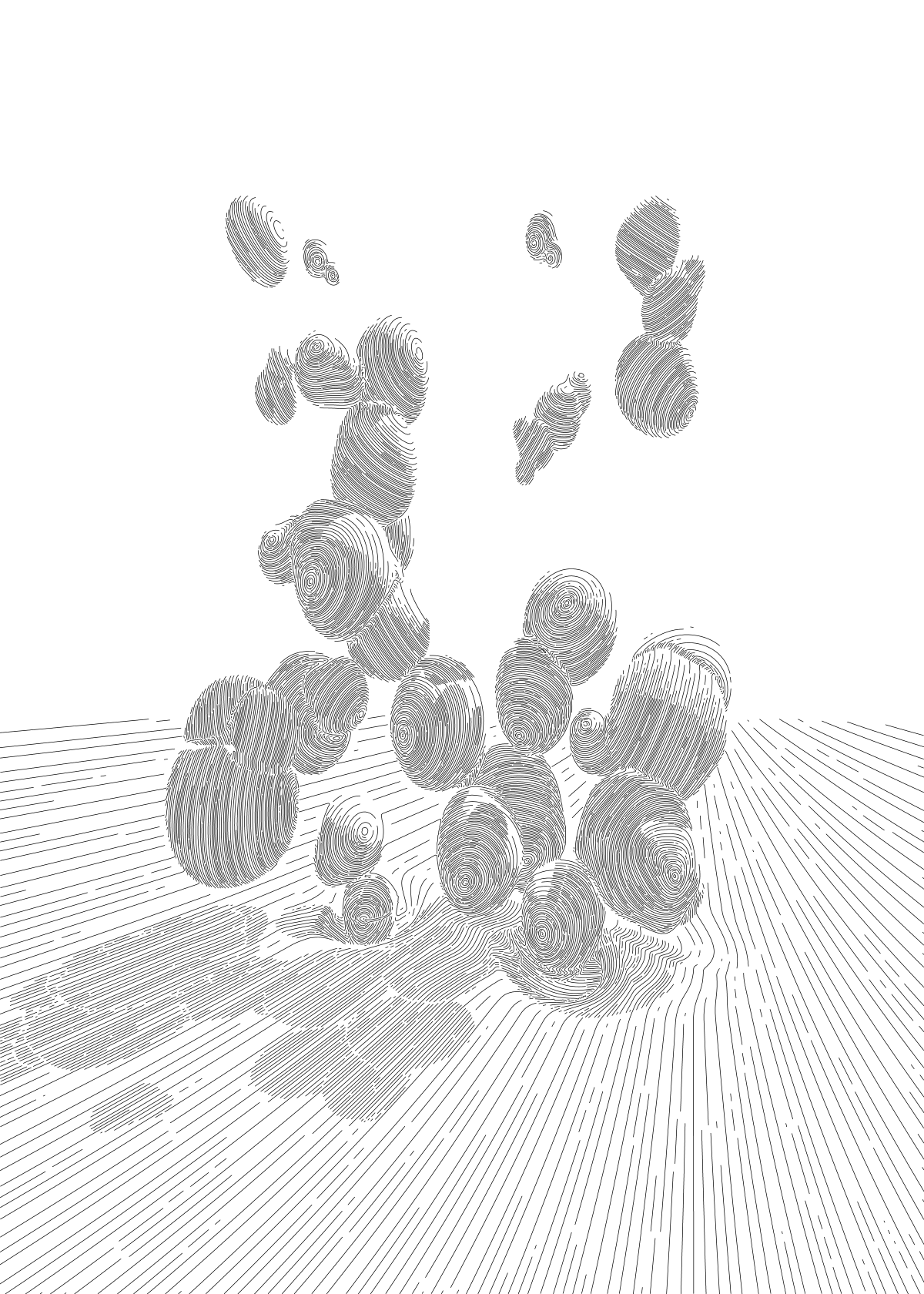
Bubbles scene: many overlapping spheres.
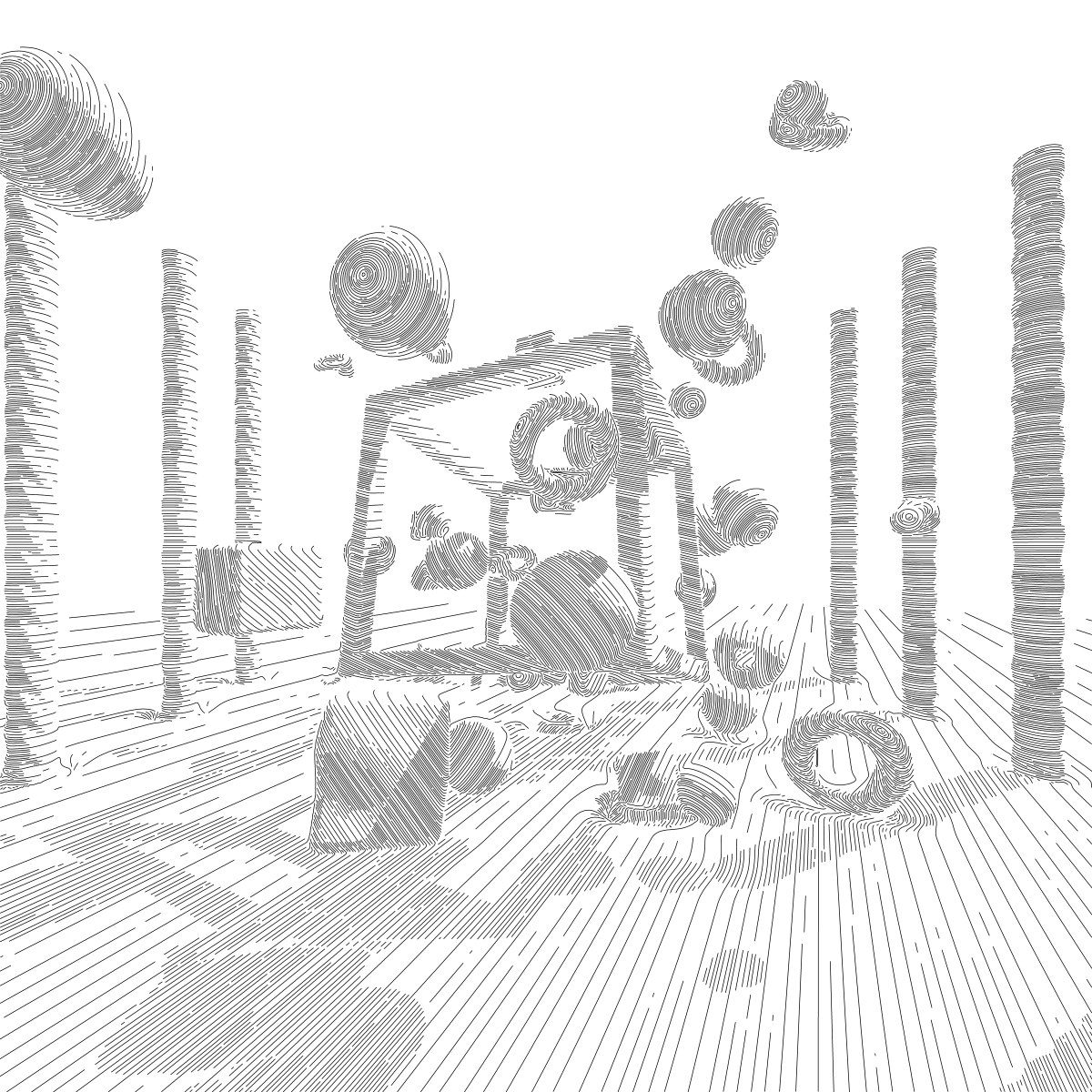
A cube frame built from boolean SDF operations.
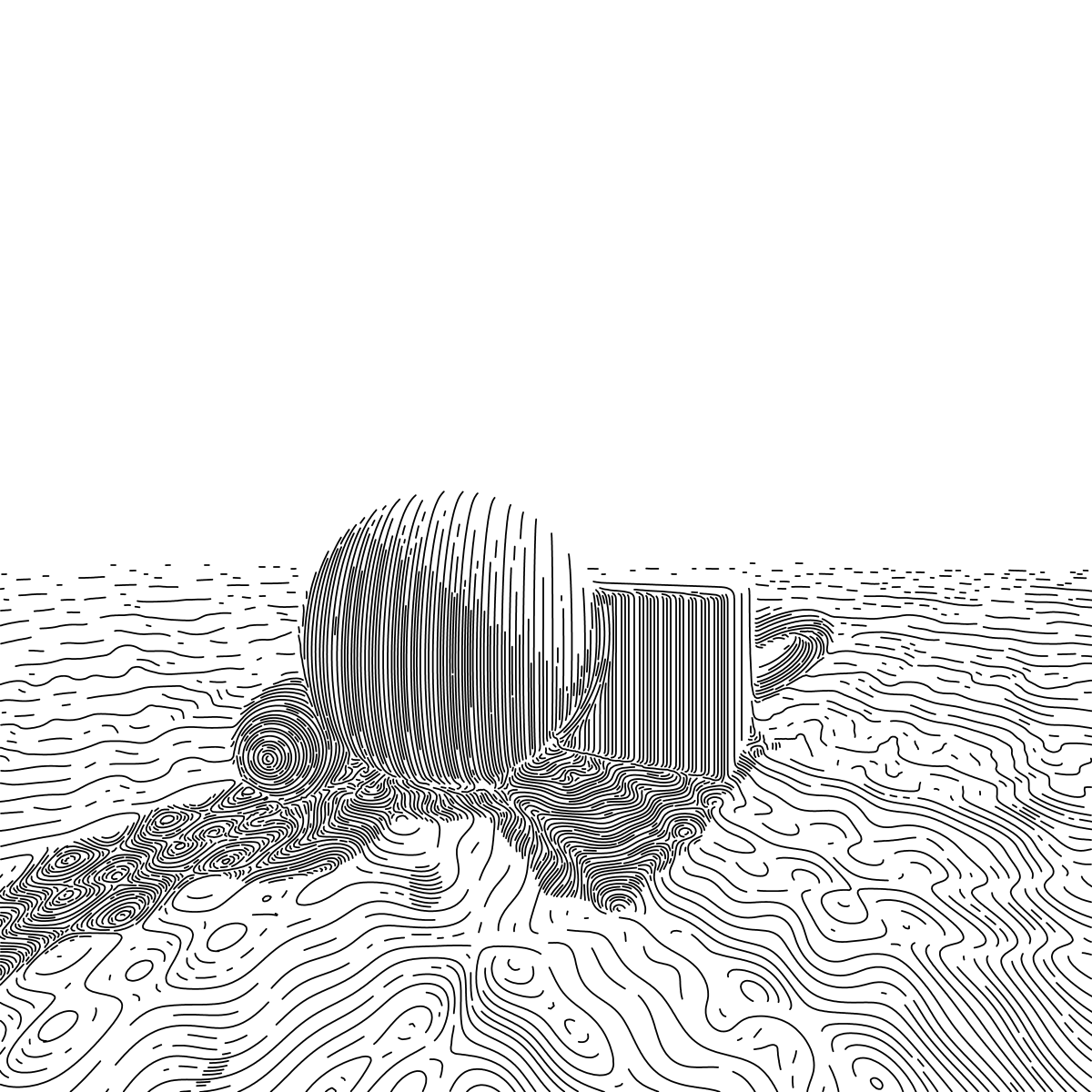
Composite render combining multiple primitives.
The rendering pipeline has three passes. First, a Rust backend raymarches the SDF scene per-pixel using rayon parallelism, producing hit, brightness, and hatch angle buffers. Then a flow field line tracer connects polylines through the 2D angle field, enforcing minimum spacing that varies with brightness to create light and shadow. Finally, the polylines are written out as SVG.
Scenes are defined in Python as trees of SDF nodes (spheres, boxes, tori, boolean operations, transforms) which are evaluated natively in Rust via PyO3, giving roughly 150x speedup over pure Python.
Defining a scene
A scene is a tree built from primitives, combined with boolean or smooth operators, transformed, and tagged with a hatch direction. For example, a sculpture made of a displaced sphere with cross-beams and floating rings, sitting on a carved ground plane:
from _hatchforge import SdfNode, RenderConfig, TraceConfig
from render_scene import render_scene
import math

PI = math.pi

# Central form: a bumpy sphere smooth-unioned with two crossing beams
sphere = SdfNode.sphere((0, 0, 0), 0.95).displace(freq=11.0, amp=0.03)
beam_x = SdfNode.box_((8.0, 0.08, 0.08)).round(0.02)
beam_z = SdfNode.box_((0.08, 0.08, 8.0)).round(0.02)

form = (
    sphere
    .smooth_union(beam_x, 0.8)
    .smooth_union(beam_z, 0.8)
    .hatch_dir(0.5, 0.3, 0.8)  # strokes follow this tangent
)

# Floating rings around the form
ring = (
    SdfNode.torus(1.12, 0.10)
    .hatch_dir(0, 0, 1)
    .rotate_x(PI / 2)
    .translate((0, 0, 0.9))
)

# Ground plane with the sculpture carved out of it
ground = SdfNode.plane_y(-1.45).hatch_dir(0.4, 0.9, -0.2)
scene = ground.smooth_subtract(form, 0.25).union(form).union(ring)

# Orient and place in front of the camera
scene = scene.rotate_y(0.4).rotate_x(0.2).translate((0, -0.2, 3.5))

render_scene(
    scene,
    "output/sculpture.svg",
    render_cfg=RenderConfig(width=100, height=100, buf_scale=18,
                            light_dir=(0.7, 1.0, 0.4), shadows=True),
    trace_cfg=TraceConfig(step_size=0.04, min_space=0.06, max_space=0.7),
    stroke_width=0.04,
)
Every node exposes the same fluent API — .translate, .rotate_x/y/z, .round, .displace, .repeat_xz, plus union / intersect / subtract (and their smooth_* variants with a blending radius k). hatch_dir sets the 3D tangent that strokes follow on that subtree’s surface.
Tech stack
- Rust with PyO3 for the raymarching and line tracing engine
- Python for scene definition and SVG output
- rayon for parallel rendering
- maturin for building the Rust extension
 Rust
Rust